











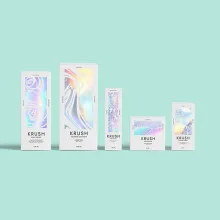
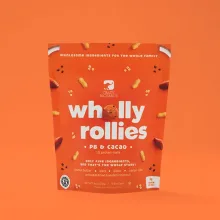
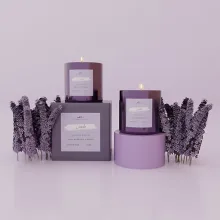
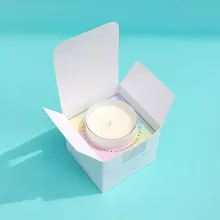

































QR code placement is the choice of a stable, visible panel where a customer can hold the finished package and scan the square pattern. Scannable packaging printing means producing that pattern with clear contrast and clean edges on the actual box or label surface. The flat artwork file is only one part of the decision.
Where should a QR code go on a box?
Place a QR code on a broad panel that stays visible after the package is folded, filled, sealed, and displayed. The code should sit on one stable surface, away from seams, corners, closures, windows, labels, and edges that can crowd the clear area.
Choose the panel from the customer's expected position. A retail box may use an exterior side panel. A shipping box may use a panel seen during opening. A display package may place the code beside product information instead of inside the main artwork.
Should a QR code cross a fold or seam?
No. A QR code should not cross a fold, seam, corner, or cut line because the surface can bend, interrupt the pattern, or change the viewing angle. Keep the complete code on one stable panel and leave space around all four sides.
Show the assembled package in the proof. A code that looks correct on a flat dieline can land across a score after folding. If the structure changes, check placement again before approving the updated file.
How do labels change QR code placement?
A label needs its own placement check when its stock, finish, application method, or final position differs from the box. A label can be printed correctly and still become difficult to use if it is applied over a seam, curve, edge, or covered panel.
| Placement area | Practical concern | Design response |
|---|---|---|
| Exterior box panel | Front artwork competes with the code | Reserve a controlled area with clear surrounding space |
| Side panel | The customer may not see it immediately | Add short copy that identifies the scan |
| Flap or fold area | The surface bends during use | Move the code to a stable assembled panel |
| Separate label | Application can change its final position | Show the label applied to the finished package |
Check the applied label, not just the label file. The finished package is where placement, finish, and access meet.
What finish supports scannable packaging printing?
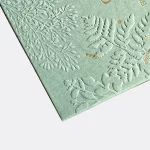
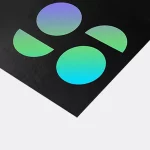
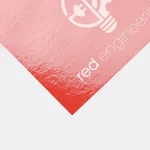
A finish supports scannable packaging printing when the code keeps clear contrast under the expected light. Matte can reduce reflected light. Gloss can place glare across the modules. Foil can change the background appearance as the package moves. Keep the code on a controlled printed field and show the finish in the proof.
Do not place a code over a busy illustration, heavy texture, or color field that makes the pattern hard to distinguish. If coating, foil, or another surface treatment is part of the package, keep that treatment outside the code area when the layout allows.
What should print files include for a scannable code?
Send the QR asset, destination, package format, panel position, background artwork, finish direction, and surrounding copy. Keep the square modules sharp and do not build the code from a blurry screenshot. A low-resolution file can lose edge clarity after it is placed in the package artwork.
Ask Custom Packaging Lane to confirm current print resolution and placement guidance for the selected press, material, and package structure. The right file direction depends on the actual substrate and format, so settle those details before proof approval.
How should you test QR code placement in use?
Test the code on the assembled package in the position where a customer will hold it. Use expected lighting, check the code after folding and labeling, and confirm that it opens the intended destination. Look for glare, blocked access, crowded artwork, and a panel that is awkward to reach.
Record any placement change in the artwork before approval. A digital file cannot show every issue created by a fold, label application, or reflective surface.
Which product formats give a useful QR panel?
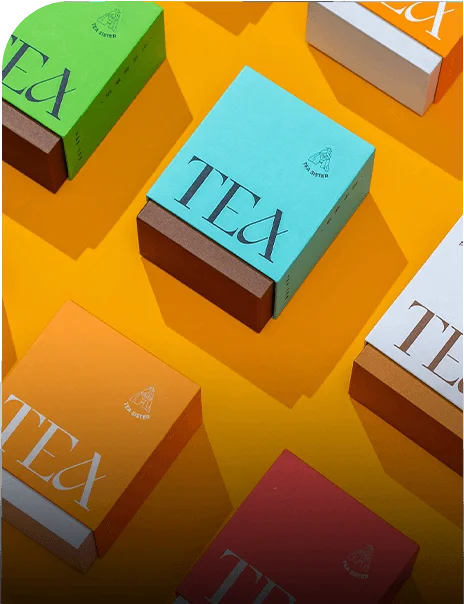
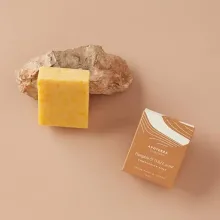
Wine box packaging can place a code beside product information on an exterior presentation panel. Wax packaging can require tighter control of the printed area. Shoe box packaging can provide a larger exterior panel with folds to avoid. Product display boxes can put the code near retail-facing product copy.
What are the terms for printed QR packaging?
Printed QR packaging uses an MOQ of 100 units. Pricing is from $0.49 per unit at volume, quoted to spec. Production is typically 8 to 10 business days after proof approval, plus delivery. Free US shipping and free design support are available. The $19.99 sample kit can help compare printed surfaces. For format planning, see custom packaging solutions.
Frequently Asked Questions
Can a QR code cross a box fold?
A QR code should not cross a box fold, seam, corner, or cut line. Bending can interrupt the pattern and change the angle seen by the phone camera. Put the complete code on one stable panel, protect its clear area, and check the assembled package before proof approval.
Where should a QR code go on product packaging?
A QR code should go on a visible panel that remains accessible after the package is folded, filled, sealed, labeled, and displayed. Keep it away from seams, edges, closures, windows, and likely coverings. The assembled proof should show the exact panel where the code will be printed.
What finish works for scannable packaging printing?
Scannable packaging printing needs clear contrast under the expected light. Matte can reduce reflected light, while gloss can create glare and foil can change the background appearance. Keep the code on a controlled printed field and confirm the selected finish, stock, and panel position in the proof.
How do labels affect QR code placement?
Labels can change QR code placement because their stock, finish, application method, and final position may differ from the box. Show the label applied to the finished package and keep it away from seams, curves, folds, and covered areas. Check the applied surface before proof approval.
How should a printed QR code be tested on a box?
Test a printed QR code on the assembled box in expected lighting and at the natural holding angle. Check it after folding, labeling, and handling, then confirm that it opens the intended destination. Make any placement or artwork change before proof approval.