







































A QR code is a two-dimensional printed pattern that opens a digital destination when a phone scans it. Adding a QR code to a package starts with the destination, not the square graphic. Decide what the customer should get after the scan, write the printed prompt, and keep both items tied to the package artwork and proof. Custom Packaging Lane can support QR code work for mailer boxes, shipping boxes, rigid printed boxes, and related package formats.
What should a QR code on package artwork do?
A QR code on package artwork should lead to one clear mobile action, such as product instructions, care information, a reorder path, or a campaign page. The printed prompt beside the code should tell the customer what the scan opens. Write that prompt before layout. If the destination is still undecided, the package copy and the code are not ready for proof approval.
Keep the basic product message visible beside the code. A QR code can carry additional information, but it should not be the only way to understand the product name or package purpose. The printed panel still has to work when the customer does not scan.
How do you keep the destination tied to the right package version?
Keep the destination, package format, current artwork file, printed prompt, and approval state in one project record. This prevents an old code from being paired with a new product message or a revised package file.
| Record item | Decision to settle | File check |
|---|---|---|
| Destination | Which mobile page should open? | Page matches the printed prompt |
| Package version | Which product and format carry the code? | Package name matches the artwork file |
| Artwork source | Which file is the current print copy? | Code and copy appear in the same version |
| Quiet zone | Is blank space left around the pattern? | Nearby copy and graphics stay outside it |
| Approval state | Has the exact package file been approved? | No temporary code remains in the proof |
Where should a QR code sit on a box or mailer?
Place the QR code on a flat printed panel with clear contrast and a quiet zone, which is the blank space around the code pattern. Keep it away from cuts, folds, scores, glue seams, and heavy texture. Do not split the code across an opening or place supporting copy inside its blank border. A panel that is easy to find and hold gives the scan a cleaner physical starting point.
How does free design support help with a QR code?
Free design support can help place the code within the package hierarchy and draw the dieline around the selected box or mailer. A dieline is the flat cutting template that shows cuts, folds, scores, glue areas, and printed panels. Send the destination, logo, product copy, package format, and current artwork. The design discussion can then settle the scan prompt, panel position, and file relationship before anything prints.
When should a QR code enter proof approval?
The exact QR code, destination, printed prompt, package version, and artwork should enter the same digital proof before approval. Do not approve a mockup with one code and send a different code in the print file. If the destination or product message changes, update the project record and artwork together. The proof is the point where the physical panel and digital action become one decision.
Which package formats can carry a QR code?
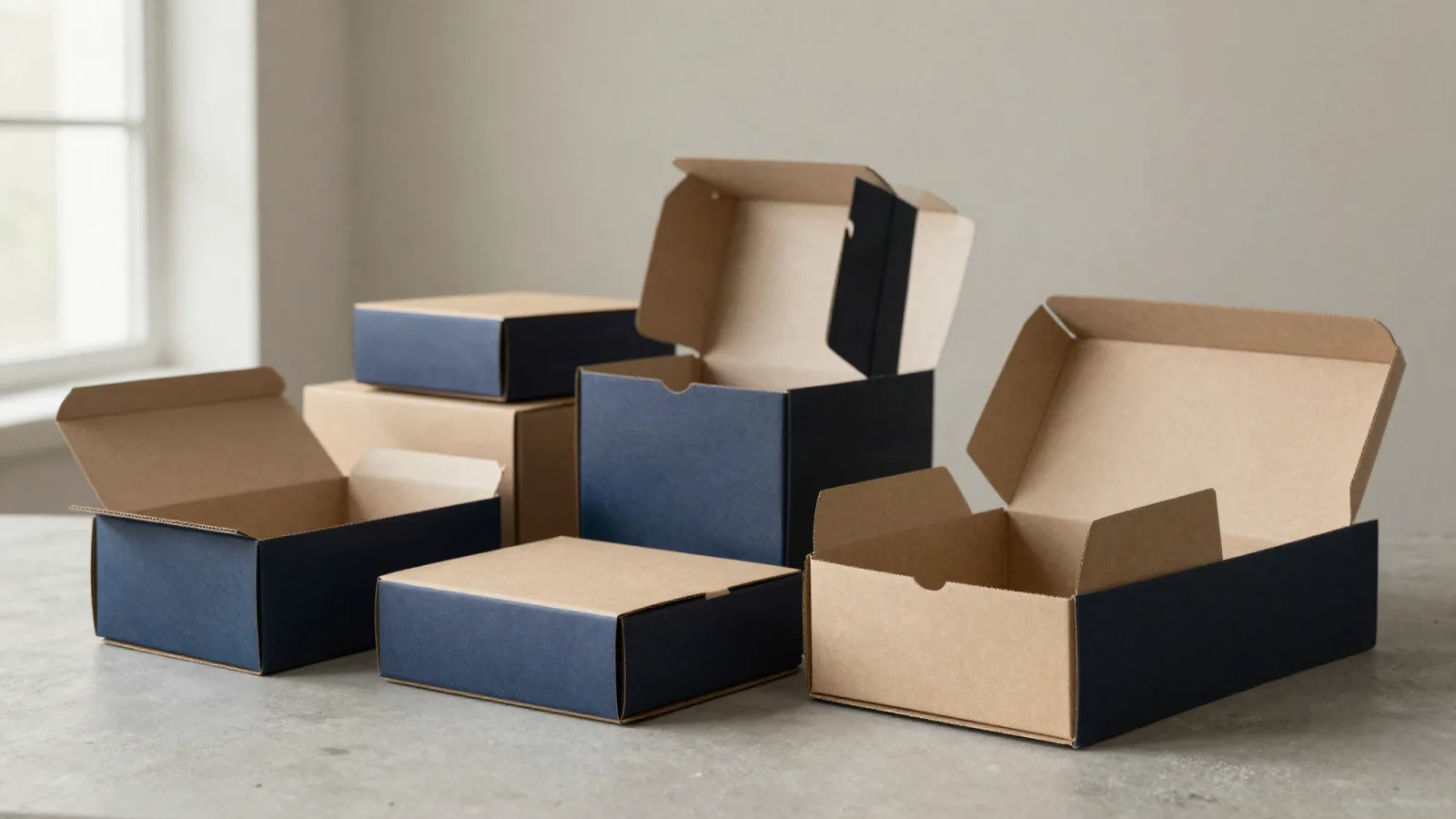
Custom mailer boxes can place the scan prompt on an outer panel or inside the opening sequence. Custom shipping boxes can connect the scan to product use or reordering after delivery. Rigid printed boxes can carry the code on a presentation panel where the scan prompt belongs to the reveal. Keep the destination and artwork version matched in every format.
What should you send with a QR packaging quote?
Send the destination, package format, quantity, artwork status, printed scan prompt, and any placement concern. CPL uses a 100-unit MOQ. Pricing is quoted to spec, from $0.49 per unit at volume. Production is typically 8 to 10 business days after proof approval, plus delivery. Free US shipping and free design support are available. A $19.99 sample kit can provide a physical packaging reference, and custom packaging design support can help organize the handoff.
Frequently Asked Questions
How should a team manage a QR code on package artwork?
Keep the QR destination, product, package format, current artwork, printed prompt, quiet zone, and approval state together. That record prevents an older code from being paired with a revised package message. Custom Packaging Lane's proof should show the exact code and copy that will move forward.
Can CPL help if the QR artwork is not finished?
Yes. Custom Packaging Lane provides free design support for organizing the package hierarchy, printed scan prompt, and relationship between the QR code and brand artwork. Send the destination, product information, package direction, logo, and current files so the design discussion starts with the actual project.
When should a QR code be approved for print?
A QR code should be approved with the package file after the destination, printed prompt, product version, and artwork are aligned. A temporary code or separate mockup can create a file mismatch. If the destination changes, update the project record and artwork together before proof approval.
What should package copy say beside a QR code?
Package copy beside a QR code should state the action and the destination benefit accurately. Scan for product help, Scan to reorder, or Explore the collection can work when the linked page supports that wording. Keep the basic product message visible so the package remains understandable without a scan.
What are CPL's terms for QR package projects?
Custom Packaging Lane uses an MOQ of 100 units, with pricing quoted to spec from $0.49 per unit at volume. Production is typically 8 to 10 business days after proof approval, plus delivery. Free US shipping and free design support are available, and the sample kit is $19.99.