







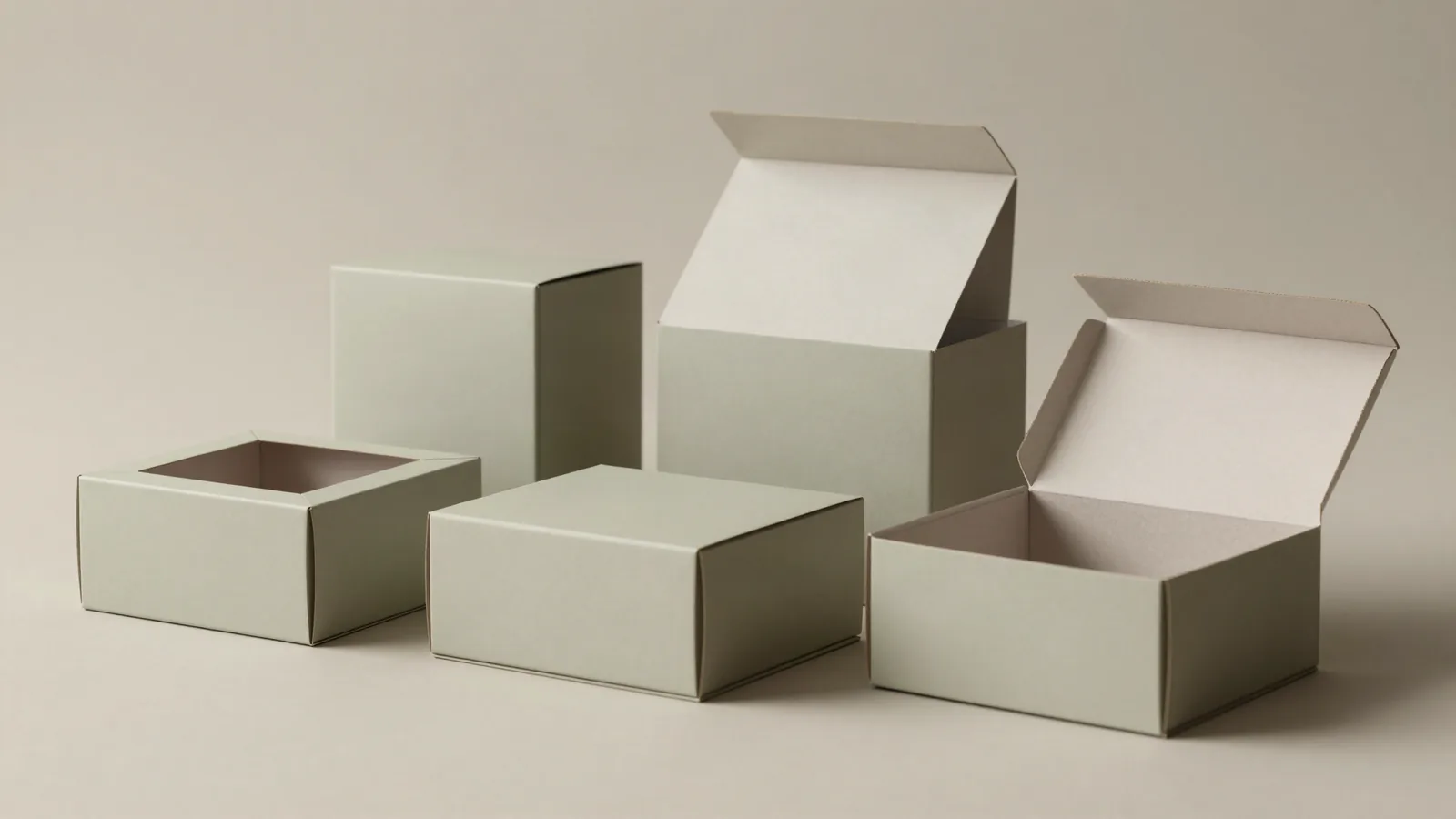



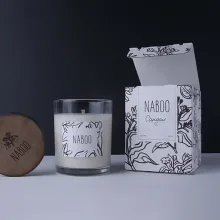
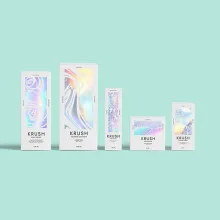
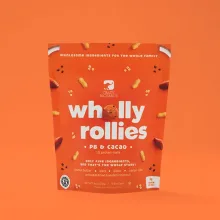
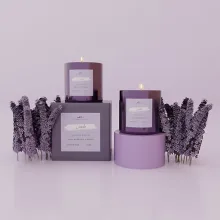
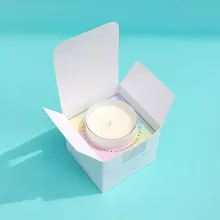


























A box designer should start with the product, not a blank screen. Write down the finished length, width, and height, how the item is handled, and how the package should open. A dieline is the flat cutting template that shows cuts, scores, glue tabs, panels, and the areas that receive artwork. Custom Packaging Lane's own library spans 562 SKUs, so the design conversation can start from a real structure while the final dimensions still come from the product.
How do you start designing a custom box?
Start with the product fit, the opening direction, and the job the box must do after it leaves the packing table. A folding carton, mailer, rigid box, tin, and insert-supported package each use different panels, scores, tabs, and closures. Name the front panel, say what the recipient should see first, and note any part that must stay protected.
Measure the product as it will ship, including a lid, cap, handle, stick, or other piece that changes the fit. A product that rattles inside an insert can arrive scuffed even when the outside box looks fine. A product that fits too tightly can catch on a flap or score. Those details belong in the brief before artwork starts.
What does box dieline design include?
Box dieline design maps every place where the flat sheet will be cut, folded, glued, and printed. Treat the file as a production drawing, not as a background shape for a mockup.
| Dieline element | What it does | What to check |
|---|---|---|
| Cut line | Marks the edge and openings the printer will cut | Keep important copy and logos inside the safe area |
| Score line | Marks where the board folds | Keep small type and fine rules away from the fold |
| Glue tab | Shows where panels join during assembly | Keep visible artwork off the tab |
| Bleed area | Extends background art beyond the cut | Continue color and images past the trim line |
| Panel orientation | Shows how flat art becomes the assembled box | Check that the front, sides, lid, and base read correctly |
Can a custom box designer work online?
An online custom box design tool can test a visual direction, but a production run still needs a supplier-built dieline. Send a sketch, product photo, rough dimensions, or an existing package reference. Free design support can turn that starting material into a structure-specific layout and a digital proof.
Use real product references while you compare formats. Wine box packaging shows the planning needed around a tall product. Shoe box packaging gives a different footprint to consider. Embossed tin boxes change the structure and surface conversation, while custom foam box inserts address controlled placement inside an outer package.
What files should you send for box artwork?
Send a vector logo and outlined type whenever possible. AI, EPS, PDF, and SVG files can preserve clean edges across panels, while a small web image often breaks up when printed at package size. Keep editable layers if the layout is still changing, and identify any brand color that needs a close review.
Check the common prepress failures before the proof: RGB artwork can shift when converted for press, type can sit too close to a score, and a background can stop at the cut because bleed was left off the file. Those errors are cheap to fix in a proof and expensive to find after the run is printed.
What happens before a custom box proof is approved?
The proof stage checks the structure and the artwork together before production starts. The usual handoff is simple:
- Send the product dimensions, quantity, structure direction, and artwork status.
- Review the dieline for panels, folds, tabs, openings, and interior fit.
- Place artwork by panel, with bleed and safe areas kept clear.
- Check a flat digital proof and the assembled view when one is available.
- Approve only after copy, orientation, color direction, and finish match the brief.
A press check looks at ink coverage, registration, folds, and the surface finish. Digital printing often suits shorter runs because it skips plates. Offset printing uses plates and can make sense for longer runs, with the quoted process tied to the approved job. A structural change needs a new dieline; an artwork change needs a revised proof.
What does custom box design cost and how long does production take?
Custom orders start at 100 units. Pricing is from $0.49 per unit at volume, quoted to spec. Production is typically 8 to 10 business days after proof approval, plus delivery. Free design support and free US shipping are available. The $19.99 sample kit is credited toward the first order, so you can review physical board, print, and finish references before approval.
When the structure is clear, send it through custom packaging design with the product dimensions, artwork status, quantity, and finish direction.
Frequently Asked Questions
Can I design my own box online?
An online custom box design tool can communicate the visual direction, but production still depends on a structure-specific dieline. Send a sketch, product photo, dimensions, or an existing package reference. Custom Packaging Lane provides free design support, then sends a digital proof for review before the 100-unit order moves into production.
What is a box dieline used for?
A box dieline is the flat cutting template for a package. It marks cuts, scores, glue tabs, bleed, safe areas, and panel orientation so the artwork can become a box that folds and closes correctly. Reviewing the dieline catches upside-down panels, copy near folds, and artwork that would be trimmed away.
How large is Custom Packaging Lane's dieline library?
Custom Packaging Lane's dieline library spans 562 SKUs across real packaging formats. The library gives a project a structural starting point, but the correct template still depends on the product dimensions, opening style, material, finish, and interior fit. Free design support can carry those details into the proof.
What file format should I send for box artwork?
Vector logos and outlined type are the safest starting point for box artwork. AI, EPS, PDF, and SVG files can keep edges clean across package panels. Supply photos at their intended printed size, identify the print color direction, and keep editable layers when the artwork still needs revision.
What happens after a custom box proof is approved?
After a custom box proof is approved, the production window is typically 8 to 10 business days after proof approval, plus delivery. Custom Packaging Lane uses a 100-unit MOQ, and the final quote stays tied to the approved dimensions, material, finish, quantity, and destination. Free US shipping is available.